
// INSTRUCTIONS
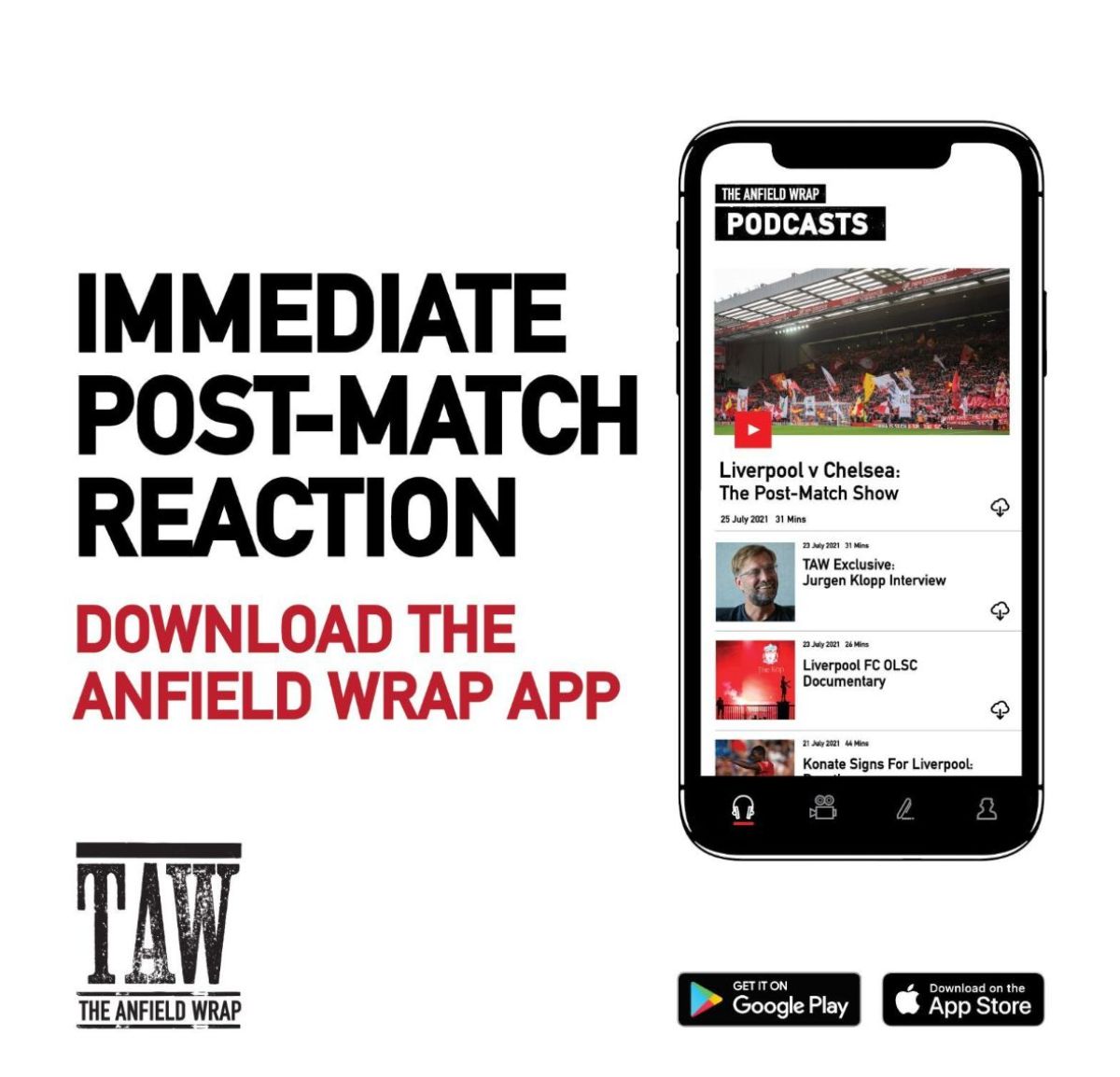
For the best possible experience we recommend downloading The Anfield Wrap’s free smartphone app. It’s our official platform and we can offer more support than with other podcast apps.
Follow the instructions below to get the TAW Player RSS feed set up on your smartphone’s podcast app.
If you have any issues or require any help getting set up, please contact us on [email protected]
- Open the Apple Podcast app and click on the Library tab along the bottom and select the edit option in the top right:
- Select the ‘Add a podcast by URL…’ option.
- Enter the url: http://www.theanfieldwrap.com/player/subscribe (or try https://www.theanfieldwrap.com/player/subscribe.xml or https://www.theanfieldwrap.com/player/subscribe if the previous doesn’t work)
- Enter your username (not email) and Password – Please note if you have any capitals in the username or password you MUST include them.
Our service is compatible with many different third-party podcast apps, but the one that the majority of our Android users have the most joy with is Podcast Addict.
To get set up, follow the instructions below:
- Open the app and click on the plus sign to add a new podcast
- Select ‘Add A Podcast By URL/RSS Feed’
- Enter the URL: https://www.theanfieldwrap.com/player/subscribe and make sure you click ‘Authentication Required’
- Enter your username (not email) and password – please note if you have any capitals in the username or password you MUST include them
// TAW SHOP

// TAW APP
// PARTNERS
 |

|

|

|

|

|

|

|
// INSTRUCTIONS
For the best possible experience we recommend downloading The Anfield Wrap’s free smartphone app. It’s our official platform and we can offer more support than with other podcast apps.
Follow the instructions below to get the TAW Player RSS feed set up on your smartphone’s podcast app.
If you have any issues or require any help getting set up, please contact us on [email protected]
- Open the Apple Podcast app and click on the Library tab along the bottom and select the edit option in the top right:
- Select the ‘Add a podcast by URL…’ option.
- Enter the url: http://www.theanfieldwrap.com/player/subscribe (or try https://www.theanfieldwrap.com/player/subscribe or https://www.theanfieldwrap.com/player/subscribe.xml if the previous doesn’t work)
- Enter your username (not email) and Password – Please note if you have any capitals in the username or password you MUST include them.
Our service is compatible with many different third-party podcast apps, but the one that the majority of our Android users have the most joy with is Podcast Addict.
To get set up, follow the instructions below:
- Open the app and click on the plus sign to add a new podcast
- Select ‘Add A Podcast By URL/RSS Feed’
- Enter the URL: https://www.theanfieldwrap.com/player/subscribe and make sure you click ‘Authentication Required’
- Enter your username (not email) and password – please note if you have any capitals in the username or password you MUST include them